
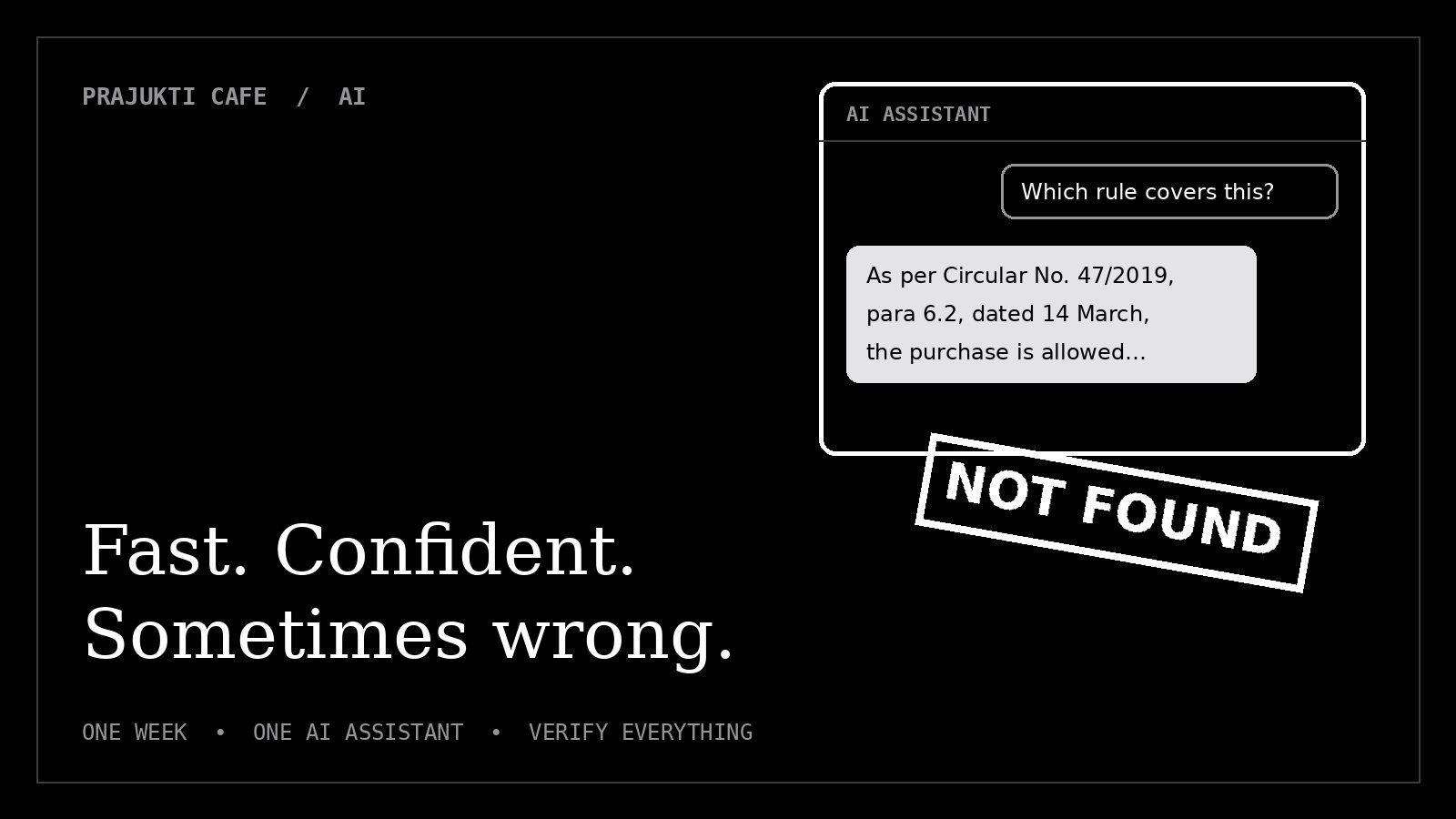
On Monday, the AI wrote my reports in four minutes. By Wednesday, it had confidently invented a government circular that doesn’t exist.
That, in two sentences, is the story of my week. I work in IT, and like everyone else I keep hearing that AI will either save my job or take it. So I ran a simple test: for five working days, every task that could go to an AI assistant would go to it first. I would only step in to check, correct and press “send”.
Here is what happened, day by day, and what it taught me about where AI is brilliant, where it is dangerous, and how to tell the difference.
The rules of the experiment
- One general-purpose AI chatbot, the kind anyone can use in a browser. No special setup, no plugins.
- No confidential data. Names, file numbers and anything sensitive were replaced with dummy details before pasting. (More on why below.)
- I checked everything before it left my desk. The AI drafted; I stayed responsible.
- I kept score: time saved, and every mistake I caught.
Never paste office documents, personal data or anything confidential into a public AI tool. What you type may be stored by the provider. Check your organisation’s policy first, and anonymise when in doubt.
Monday: the four-minute report
I started with the job everyone dreads: the monthly status report. I gave the AI my rough bullet points (tickets closed, systems upgraded, issues pending) and asked for a formal one-page report.
Four minutes later I had a clean, well-structured document with headings, a summary and a polite closing. Doing it myself usually takes the better part of an hour.
What it got wrong: small things, but telling ones. It turned “printer issue fixed” into “resolved a critical printing infrastructure outage”, which made a jammed tray sound like a national emergency. It also added a “Next Steps” section with plans I never made.
Verdict: an excellent first draft, but it decorates. Read every sentence and delete anything you didn’t actually say.
Tuesday: emails and long PDFs
Tuesday was inbox day. The AI drafted replies to routine requests in seconds, and its tone was consistently polite, which is more than I can promise before my morning tea.
Then I gave it a 40-page procurement guideline (public, not confidential) and asked for a summary. The summary was clear and genuinely useful. But when I compared it with the original, it had skipped an exception buried on page 31, the one clause that actually applied to my case.
Verdict: great for getting the gist. Dangerous when the detail is the point. A summary is a map, not the territory.
Wednesday: the circular that never existed
This was the day the experiment got interesting.
I asked the AI which government rule covered a particular kind of IT purchase. It answered instantly and confidently, quoting a specific circular with a reference number, a date and even a paragraph number. It looked exactly like the real thing.
I went to find the circular to attach it to my note. I searched the department website. I searched the archives. I asked a colleague who has handled these files for years.
It did not exist. The number, the date and the paragraph were all invented.
The AI wasn’t lying. It simply didn’t know the answer, and it is built to produce something that sounds like one.
This isn’t a rare glitch. In 2023, two lawyers in New York were fined $5,000 by a US federal court after submitting a legal brief that cited court cases ChatGPT had made up (LawSites report). The fake cases looked perfectly real, right down to the citations.
Verdict: never cite a rule, law, circular, statistic or source that you haven’t opened and read yourself.
Thursday: formulas and scripts
Thursday played to the AI’s strengths. I described a messy spreadsheet problem in plain English and it gave me a working Excel formula on the first try. Something I would have spent twenty minutes searching forums for took two.
Then I asked for a small script to update settings for one group of users. The script ran without errors. The problem: as written, it would have applied the change to every user, not just the group I asked about. Because I tested it on a single test account first, nothing broke.
Verdict: a fantastic coding assistant, and a reckless system administrator. Always test AI-written code somewhere safe before running it for real.
Friday: the human part
On Friday I asked the AI to help with a delicate reply to a colleague who was upset about a delayed request. The draft was polite, structured and completely wrong for the situation.
It didn’t know that this colleague had been waiting for weeks, that the delay was partly our fault, or that a phone call would land better than a perfect email. It optimised the words; it couldn’t read the room.
Verdict: AI can polish your message. It can’t understand your workplace.
The final scorecard
| Task | How the AI did | Can I trust it? |
|---|---|---|
| Drafting reports | Fast, well-structured, but exaggerates | Yes, after editing |
| Routine emails | Excellent tone, saves real time | Yes, after reading |
| Summarising long documents | Good gist, can miss key exceptions | Only for orientation |
| Rules, circulars, facts | Invented a source that doesn’t exist | No, verify everything |
| Excel formulas | Correct on the first try | Yes, test on sample data |
| Scripts | Worked, but with a dangerous scope | Only after testing |
| Sensitive conversations | Polite but blind to context | Use for wording only |
Overall, the AI probably saved me several hours across the week. But it also produced at least three mistakes that could have caused real embarrassment if I hadn’t checked.
Why AI makes things up
Tools like ChatGPT are built on large language models. In very simple terms, they learn patterns from huge amounts of text and then predict, word by word, what a good answer looks like.
Most of the time, what looks right is right. But when the model doesn’t actually know something, like the exact rule for an Indian government purchase, it doesn’t say “I don’t know”. It produces the most plausible-sounding answer: a realistic reference number, a believable date, a confident tone. Researchers call this a hallucination.
The danger isn’t that AI is wrong sometimes. People are wrong sometimes too. The danger is that it is wrong in exactly the same confident voice it uses when it’s right.
7 rules for using AI at work
- Treat it as a smart intern, not an expert. Great at first drafts; you sign off on everything.
- Verify every fact, rule and source by opening the original document yourself.
- Never paste confidential or personal data into public AI tools.
- Delete what you didn’t say. AI loves to add impressive-sounding filler.
- Read the original when details matter. Summaries skip exceptions.
- Test code on a safe copy before running it on real systems or data.
- Keep the human parts human. Judgement, empathy and accountability are still your job.
A better prompt also helps. Instead of asking for an answer, ask the AI to show its working:
Draft a one-page monthly IT report from my notes below.
Use only the facts I give you. Do not add plans or numbers.
If something is unclear, list it as a question at the end.
My notes:
- ...
So, can AI do my job? It can do a surprising amount of the typing. It can’t do the knowing, the checking or the caring. For now, that’s still the part they pay me for.
Have you tried handing your work to AI? Tell me what it got right, or spectacularly wrong, through the Contact page.